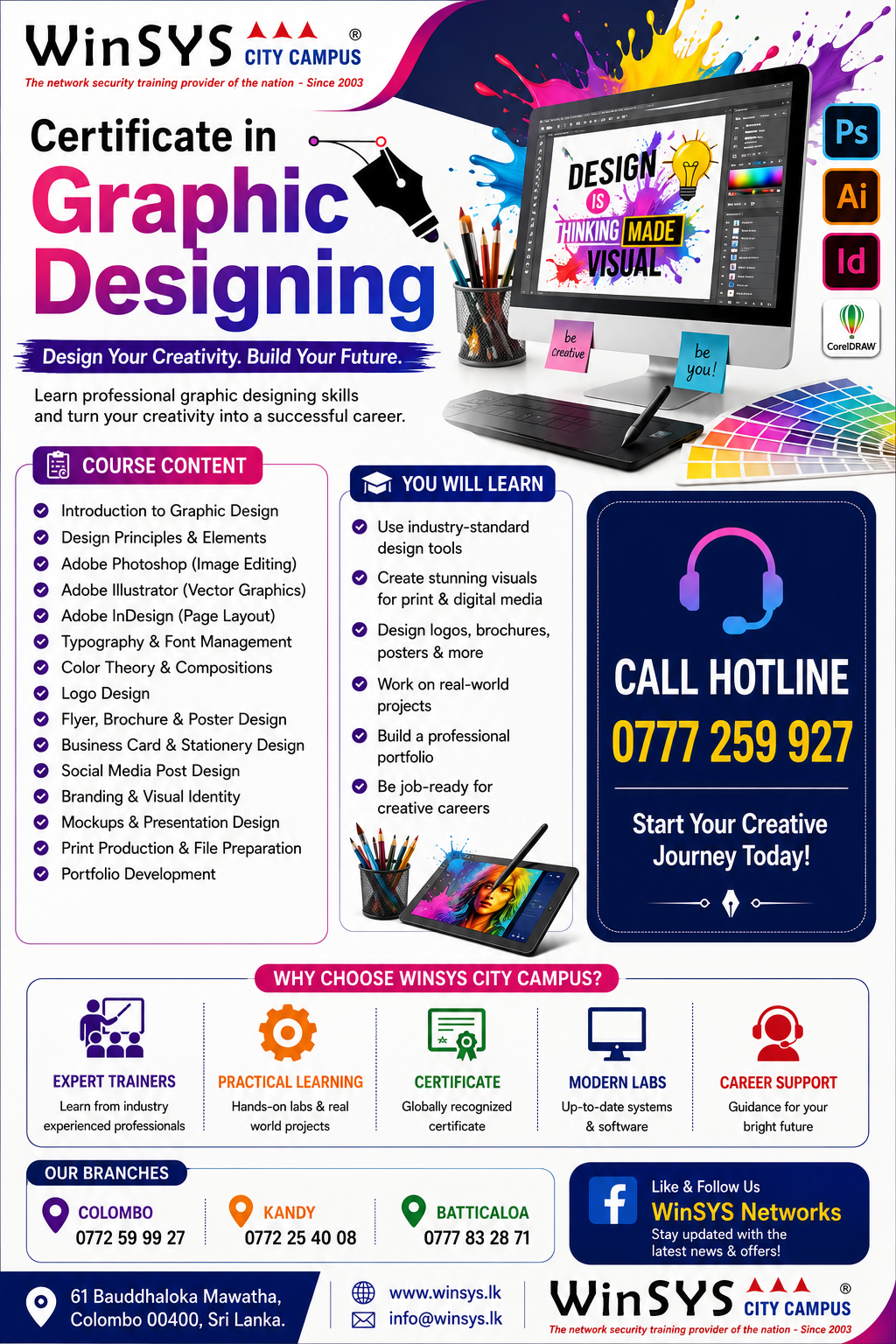
<p><span style="font-size:14.72px">Master the essential tools and techniques of professional graphic design with our comprehensive course covering CorelDRAW, Adobe InDesign, Adobe Photoshop, Adobe Illustrator, and Adobe Flash. Learn to create stunning artwork, logos, layouts, illustrations, digital graphics, animations, and professional print-ready designs. Develop practical skills in typography, page layout, image editing, retouching, layers, transparency, vector graphics, 3D effects, web optimization, and animation. Students will gain hands-on experience using industry-standard design software and learn how to transform creative ideas into professional visual content. This course is ideal for aspiring graphic designers, digital artists, content creators, and creative professionals seeking practical industry-ready design skills.</span></p><p><b>UNIT</b></p><p><span style="font-size:14.72px"><b>Corel Draw</b></span></p><p></p><ul><li> Know work area toolbox, property bar, drawing objects</li><li> Formatting text, paragraphs, page setup rulers, grids</li><li> Using templates, transparency, bitmap effects, creating rollover</li><li> buttons, creating art works</li></ul><p></p><div><b><span style="font-size:14.72px">Adobe </span>InDesign</b></div><div><div><ul><li><span style="font-size:14.72px">Understanding InDesign window, toolbox, working with palettes </span>(control, color, style, layers)</li><li><span style="font-size:14.72px">Working with objects, frames, text</span></li><li><span style="font-size:14.72px">Inserting graphics, clipart, pages, paragraphs, text wrapping,</span></li><li><span style="font-size:14.72px">formatting text, bulleting text</span></li></ul></div><div><b><span style="font-size:14.72px">Adobe </span>Photoshop</b></div><div><ul><li><span style="font-size:14.72px">Understanding Adobe Photoshop CC</span></li><li><span style="font-size:14.72px">Window, Tools, layer pallets, color pallets, style pallets</span></li><li><span style="font-size:14.72px">Browsing new features of Adobe Photoshop CC, browsing images </span>with Adobe Bridge</li><li><span style="font-size:14.72px">Working with pen tool, paintbrush, color modes, bitmap and </span>vector graphics</li><li><span style="font-size:14.72px">Advanced layer techniques, arranging, blending, retouching</span></li><li><span style="font-size:14.72px">photos, coloring images, prepare images for two color printing,</span></li><li><span style="font-size:14.72px">picture resolution type tool, setting workspace image optimizing </span>for web</li></ul></div><div><b><span style="font-size:14.72px">Adobe </span>Illustrator</b></div><div><ul><li><span style="font-size:14.72px">Know work area, toolbox, pallets</span></li><li><span style="font-size:14.72px">Working with type, brushes, symbols, airbrush, placement, pen</span></li><li><span style="font-size:14.72px">tool Blending and transparency, inserting graphics, 3D effects </span></li></ul><span style="font-size:0.92rem"><b>Adobe Flash</b></span></div><div><ul><li><span style="font-size:0.92rem"> Understanding Flash Window</span></li><li>Simple animation techniques</li></ul></div></div><p></p><div><br></div><p></p>